Rollout Inline In-Game Radio & Original Soundtrack
Pace long sessions with original music without drowning stick and landing cues.
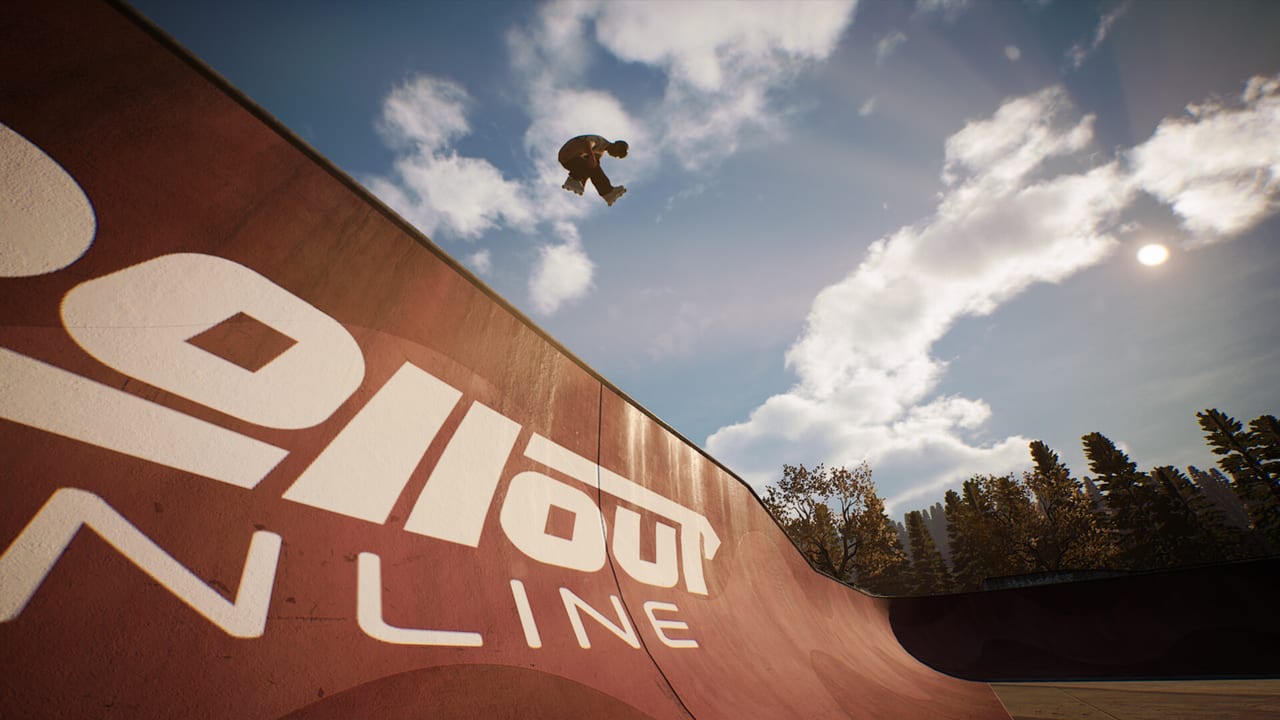
Rollout Inline lists original in-game music/radio as a launch feature, in the same Steam breath as the replay editor, difficulty settings, and optional balancing. That is not flavor text. Aggressive inline on analog sticks is a long-session craft: three maps, challenge batches, clothing unlocks, and free-skate nights that run past the point where silence gets itchy or a random playlist fights your pop timing. This page treats the radio as a session pacing tool—how to use it, when to turn it down, and what we will not invent about the track list during Early Access.
Parent index: Tools Hub. Buyer-facing feature context: Game Overview. Day-one ship list: Early Access Launch.
What the Steam page actually promises
The store feature overview includes original in-game music/radio. It does not publish a frozen artist roster, station names, or a song-by-song credits sheet that this wiki can reprint as fact. Solo developer MLMEDIA (also behind Rooftops & Alleys) can still swap, add, or retitle tracks while the game sits in Steam Early Access—launched September 15, 2026, with a planned exit around Q3/Q4 2027 that can move.
So this guide stays honest:
- There is original music and a radio-style layer in the build
- Track names, station labels, and how many loops you hear may vary as patches land
- We will not fabricate a soundtrack wiki of invented titles
- When official credits appear in Steam news or socials, they belong on Updates and Official Links, not as folklore here
If a friend quotes a song title from a capture, treat it as a snapshot of that build, not a 1.0 bible.
Radio as pacing, not as a metronome
Dual-stick skating already has a clock: left-stick steer and spin, right-stick jump, both sticks for grind and cess-slide feet. Landings, lock-ins, and ragdoll impacts are audio cues as much as rumble cues. The radio’s job is to keep a sixty-minute unlock night from going sterile, not to replace those cues with a beat you pop on.
Use music to:
- Mark the difference between a warm-up lap and a challenge push
- Keep energy up while you scout a park you already know
- Make clothing-unlock sessions feel like a night, not a spreadsheet
- Give clip recording a consistent mood
Do not use music to:
- Time right-stick pops to a kick drum
- Cover the sound of a bad lock-in so you skip the replay editor
- Drown Xbox force feedback you actually needed
- Hide thermal-throttled hitching on Steam Deck behind a loud mix
If a grind dump surprises you because you never heard the wheels chatter, the mix is too hot. Turn the radio down until stick and landing sounds read first. Gameplay audio is coaching; the soundtrack is company.
Practice habits that keep stick cues alive
Learn night (Getting Started week): keep radio modest or off for the first fifteen minutes of left-stick riding and short dual-stick holds. You are installing muscle memory. A dense mix makes a late pop feel like a music problem. Follow Getting Started with the pad connected, then bring volume up once hops and short rails are boring.
Unlock night: radio can sit higher. Challenge batches are repetitive by design—clear, level the map, harder set, earlier pins still replayable. A stable station keeps you from rage-quitting after the third similar rail objective. If a pin starts dumping you, drop the music, record the fail, and listen to the lock-in. Then turn it back up for the retry block.
Honesty / balancing night: when you tighten difficulty or enable optional balancing, turn the radio down again. Extra sim strictness is easier to misread if a chorus lands on the same frame as a ragdoll.
Clip night: pick a loudness you would actually want under footage. Do not max the mix, then wonder why the landing tick disappeared in the capture.
English-only UI means menu labels around audio will be in English even if you think in another language. Change one slider at a time and skate a short rail before you declare the mix “wrong.”
Trailer energy versus the in-park mix
The official Early Access trailer (embedded on this page) is a vibe reference, not a ripped in-game radio dump. Trailers are scored to sell motion: grinds, challenges, progression tone. The in-park radio has to survive an hour of you failing the same coping. Those are different jobs.
Watch the trailer when you need a reminder why you bought a controller-required, ~$18.99 simcade. Then skate. If the in-game mix feels calmer or loopier than the trailer, that is normal. Marketing energy is compressed; session music has to loop without making you hate the third map.
A launch-window Early Access review already lists in-game music/radio among the extras that make a three-park Early Access loop livable. Agree with that, then set your own volume. Very Positive Steam reception near 97% is not a reason to copy someone else’s mix.
Steam Deck, headphones, and the living room
Rollout Inline is Steam Deck Verified. Handheld speakers are small. Headphones make original music feel huge and also make it easy to bury the grind tick you needed. On Deck:
- Start quieter than you would on a desktop soundbar
- Keep a performance overlay in mind; a loud track will not tell you that you dropped below 60 FPS
- Docked living-room play can handle more music; still leave headroom for landing cues
- Connect the pad before launch; audio settings will not wake a dead DualSense
Full handheld triage lives on Steam Deck. Music is not a performance setting, but it is part of whether you notice hitching.
Xbox rumble remains a separate channel. If you lower vibration because the radio plus rumble feels busy, that is a comfort choice. It is not a soundtrack bug.
What radio does not change
- It does not add multiplayer. The game is single-player.
- It does not unlock clothing; challenges and map levels do.
- It does not replace skate customization.
- It does not fix Steam Input, USB PlayStation pads, or sub-60 frame time.
- It does not teach dual-stick feet. That is still you, the sticks, and practice.
Think of the radio as furniture in the park. You would not blame a bench for a missed plant. Do not blame a loop for a late jump.
Early Access honesty, again
Patches can retune audio, add tracks, or change how the radio is presented. This wiki will not freeze a fake discography. If you need the day-one feature checklist, stay on Early Access Launch. If you need a verdict on whether the extras (radio, replay editor, difficulty) justify the asking price, read the Early Access review. If you are about to skate, set volume, confirm 60 FPS, and go.
Related reading
- Tools Hub — session and setup tools
- Getting Started — first-hour plan before you max the mix
- Game Overview — feature summary including original music/radio
- Steam Deck — handheld volume and performance
- Early Access Launch — what shipped September 15, 2026
- Review — launch-window verdict that includes the radio extra
Original music is there to keep you in the park. Let it. Just do not let it talk over the sticks.
Frequently Asked Questions
Quick answers for aggressive inline players.
Does Rollout Inline have licensed radio with a public tracklist?
The Steam page lists original in-game music/radio. Track names and stations may change in Early Access; this wiki will not invent a discography. See Early Access Launch.
Should I play with the radio loud while learning dual-stick?
Keep it modest at first so landing and lock-in cues stay readable. Raise it after the first-hour plan on Getting Started.
Is the trailer the in-game soundtrack?
No. The official trailer is scored for vibe. In-park radio has to loop through long practice nights. Use the embed as energy, not as a ripped playlist.
Any Steam Deck audio tips?
Headphones get loud fast and can hide grind ticks. Start quieter, watch FPS, and see Steam Deck for handheld setup.
Does the radio affect progression or physics?
No. It paces sessions only. Challenges, maps, and dual-stick feel are unchanged. Feature context sits on the Game Overview.